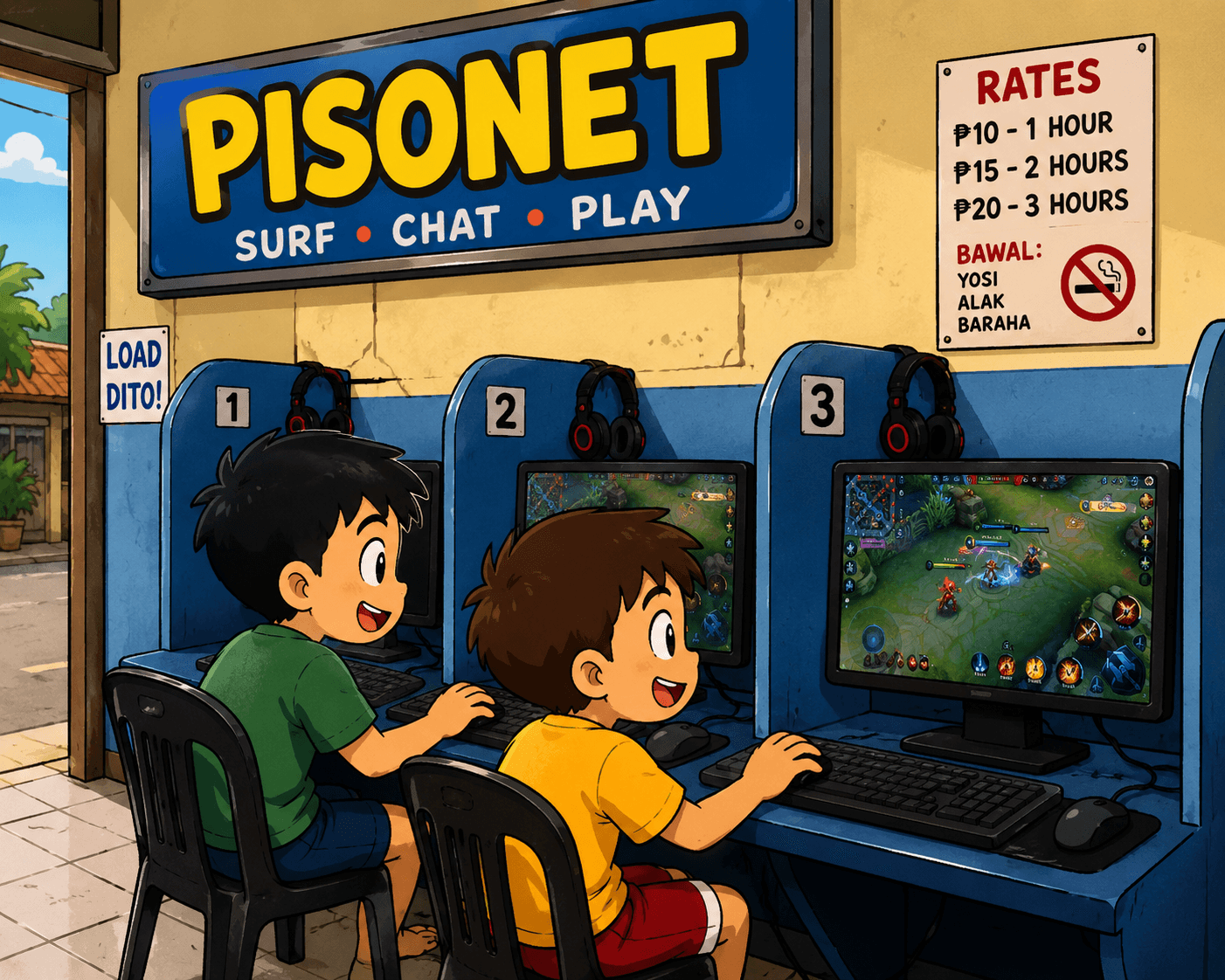
What is Pisonex?
Pisonex is a modern PisoNet management system built for Philippines internet cafés — control every PC, manage coin slots, and track revenue from a single dashboard.
The problem with running a PisoNet
Running an internet café in the Philippines is no simple task. Between managing coin slots, keeping track of session time, monitoring which PCs are active or idle, and counting daily revenue — café owners often spend more time on manual work than on actually growing their business.
Most PisoNet setups still rely on physical timers, manual resets, and manual cash counting. There's no easy way to see what's happening across all your PCs at once, and there's no way to act on it remotely.
That's exactly what Pisonex was built to solve.
What is Pisonex?
Pisonex is a modern PisoNet management system designed specifically for Philippine internet cafés. It lets café owners monitor and control every PC in their café from a single web dashboard — no need to walk around the shop or physically reset machines.
The system runs on a local server (a Raspberry Pi or Orange Pi) installed in your café, which connects all your PCs together. From there, you manage everything through the Pisonex cloud dashboard at your fingertips — even from your phone.
What can Pisonex do?
Remote PC Control
Shutdown, restart, lock, or send messages to any PC in your café without leaving your seat. When a session ends, the PC locks automatically — no manual intervention needed.
Coin Slot Management
Enable or disable coin slots per PC or across all machines at once. Full hardware relay control, all from your browser.
Real-time Monitoring
See every PC's status at a glance — active sessions, time remaining, idle machines, and overall café health — updated live.
Revenue Tracking
Track your daily, weekly, and monthly earnings. See exactly which PCs generate the most income and identify your peak hours.
Member Accounts
Let regular customers create accounts to store time balances. Coins get credited to their account instead of a single session — flexible pay-as-you-go membership for your loyal customers.
Instant Announcements
Broadcast fullscreen messages to all café PCs simultaneously — perfect for closing time alerts, promos, or any custom notice.
How does it work?
- Install the server — Download and set up the Pisonex server software on a Raspberry Pi or Orange Pi connected to your local network.
- Connect your PCs — Install the Pisonex client on each PC in your café. They connect automatically to your local server.
- Manage from anywhere — Log in to your Pisonex dashboard from any browser. Monitor, control, and grow your café from your desk or your phone.
Who is Pisonex for?
Pisonex is built for internet café owners across the Philippines who want to spend less time managing machines and more time growing their business. Whether you run a small 5-PC shop or a large 30+ PC café, Pisonex scales with you.
Get started
Download Pisonex for your Raspberry Pi or Orange Pi and try it in your café today.
Comments1
Sign in to join the conversation.
Sign in to comment- VValentin Jason GajeMay 21, 2026
Nice, can't wait to use this app.